Top 5 browser

Top 5 Web Browsers in 2026: Complete Performance and Features Guide
Choosing the right web browser can dramatically impact your online experience. Whether you prioritize speed, privacy, or advanced features, the browser market in 2026 offers compelling options for every user. This comprehensive guide examines the top five browsers based on performance testing, security features, and real-world usability.
Why Your Browser Choice Matters in 2026
Your web browser serves as your gateway to the internet, affecting everything from page load speeds to data privacy. With the rise of AI-powered features, enhanced security protocols, and evolving web standards, selecting the optimal browser has become more important than ever.
Modern browsers now handle complex web applications, AI assistants, and resource-intensive tasks while maintaining security and privacy. The differences between browsers can affect your device’s battery life, memory usage, and overall productivity.
The Top 5 Web Browsers Ranked
1. Google Chrome – Best Overall Performance

Google Chrome continues to dominate the browser market as the fastest and most versatile option available. In standardized performance testing using Speedometer benchmarks, Chrome consistently achieves top scores for both speed and responsiveness.
Key Strengths:
- Exceptional JavaScript execution and page rendering speed
- Massive library of over 100,000 extensions and add-ons
- Seamless synchronization across all devices and platforms
- Superior compatibility with modern web applications
- Regular security updates and robust sandboxing technology
Performance Metrics:
Chrome leads in three out of four major performance tests, with particularly strong results in data loading and code execution. The browser handles multiple tabs efficiently, even when dealing with complex websites containing animations, videos, and interactive elements.
Considerations:
Chrome can be resource-intensive, typically using more RAM than competitors. Users with older hardware or limited memory may experience slowdowns when running many tabs simultaneously. Additionally, Google’s data collection practices raise privacy concerns for some users.
Best For: Power users who need maximum speed, compatibility, and access to extensive extensions. Ideal for professionals who rely on Google Workspace and cross-device synchronization.
2. Microsoft Edge – Best Value and Integration
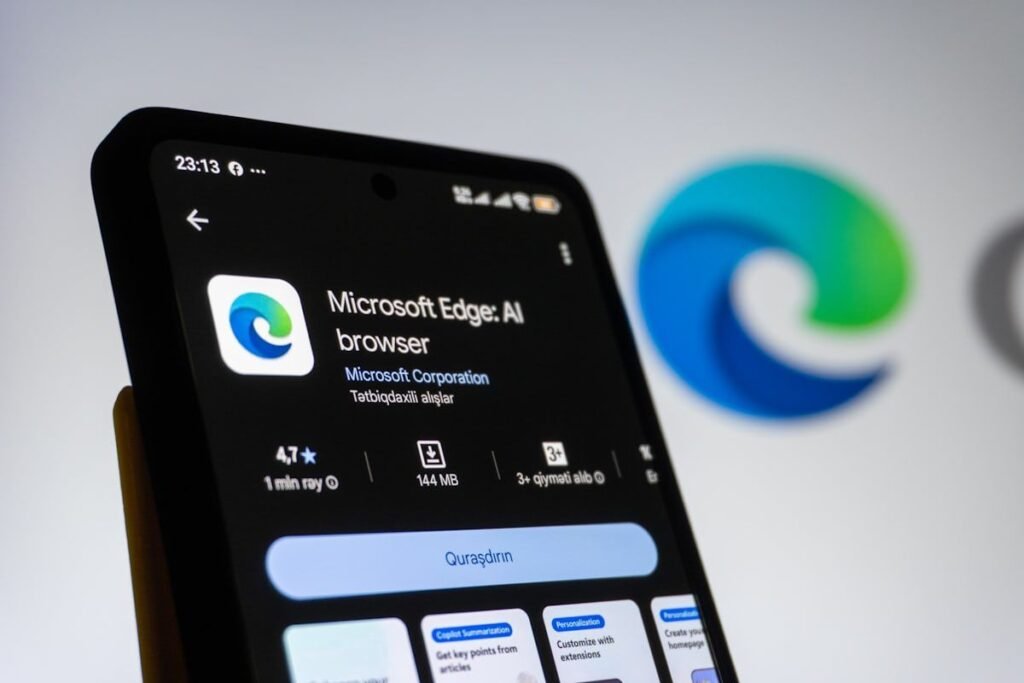
Microsoft Edge has evolved into a formidable Chrome alternative, offering comparable performance with enhanced privacy features and better energy efficiency. Built on the same Chromium engine as Chrome, Edge provides familiar functionality with unique advantages.
Key Strengths:
- Excellent speed that rivals Chrome in most benchmarks
- Built-in features like vertical tabs and tab groups
- Superior battery optimization for laptop users
- Integrated Microsoft Copilot AI assistant for productivity
- Five gigabytes of free VPN service monthly
- Enhanced security with Microsoft Defender SmartScreen
Unique Features:
Edge includes Clarity Boost technology that improves visual quality for gaming and video content. The browser also offers Startup Boost and Sleep Tabs features that reduce resource consumption and improve overall system performance.
Performance Analysis:
In standardized testing, Edge places second behind Chrome on Windows systems, with minimal performance differences in real-world usage. The browser excels at energy efficiency, making it ideal for mobile devices and laptops.
Best For: Windows users seeking a fast, feature-rich browser with strong privacy protections and AI capabilities. Excellent choice for those who want Chrome-level performance without extensive resource consumption.
3. Mozilla Firefox – Best for Privacy and Standards
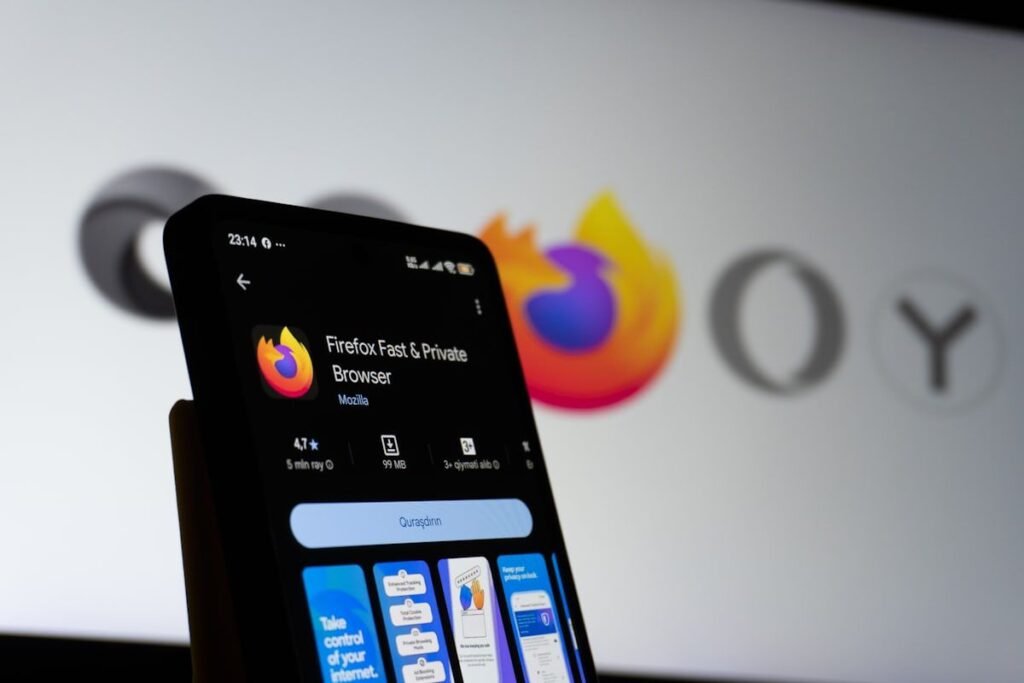
Firefox stands as the last major independent browser using the Gecko engine rather than Chromium. In recent testing, Firefox has made significant performance improvements while maintaining its strong privacy commitment.
Key Strengths:
- Enhanced tracking protection enabled by default
- Total Cookie Protection prevents cross-site tracking
- Highly customizable interface and extensive add-on ecosystem
- Open-source development with transparent privacy policies
- Excellent developer tools for web professionals
- Supports independent web standards
Performance Updates:
Recent optimizations have significantly improved Firefox’s speed, with some 2026 benchmarks showing competitive performance against Chromium-based browsers. The browser now offers better responsiveness and lower memory usage than previous versions.
Privacy Advantages:
Firefox blocks third-party tracking cookies, cryptominers, and fingerprinting scripts automatically. The browser’s Enhanced Tracking Protection provides detailed reports on blocked trackers and data collection attempts.
Best For: Privacy-conscious users who want control over their data without sacrificing functionality. Ideal for those who support browser engine diversity and open-source software.
4. Safari – Best for Apple Ecosystem

Safari remains the premier choice for Mac, iPhone, and iPad users, offering unmatched optimization for Apple hardware. The browser delivers excellent performance while maintaining strong privacy protections.
Key Strengths:
- Optimized specifically for Apple silicon processors
- Industry-leading energy efficiency extends battery life
- Seamless integration with Apple services and iCloud
- Privacy Report shows detailed tracking prevention
- Support for Chrome extensions through compatibility layer
- Clean, minimalist interface design
Performance Excellence:
Safari matches or exceeds Chrome in speed tests on Mac systems, particularly excelling in energy efficiency benchmarks. The browser’s tight integration with macOS and iOS ensures smooth performance and minimal resource usage.
Privacy Features:
Intelligent Tracking Prevention blocks cross-site tracking and fingerprinting attempts. Safari also includes privacy reports that detail which websites attempt to track users across the internet.
Limitation:
Safari is exclusively available on Apple devices, restricting cross-platform usage for users with mixed device ecosystems.
Best For: Apple users who prioritize speed, battery life, and privacy within the Apple ecosystem. Perfect for those who value native integration with macOS and iOS features.
5. Brave – Best for Privacy-First Browsing

Brave has emerged as the leading privacy-focused browser, offering aggressive ad and tracker blocking without compromising performance. Built on Chromium, it provides Chrome compatibility with superior privacy protections.
Key Strengths:
- Native ad blocking built directly into the browser engine
- Aggressive tracker and fingerprinting prevention
- Optional Brave Rewards program for privacy-respecting ads
- Built-in Tor browsing mode for enhanced anonymity
- IPFS support for decentralized web access
- Chromium compatibility ensures website functionality
Privacy Innovations:
Brave’s C++ native ad blocking bypasses the limitations of extension-based blockers, providing faster page loads while blocking more tracking attempts. The browser blocks third-party cookies, scripts, and tracking pixels by default.
Performance Benefits:
By blocking ads and trackers, Brave often loads pages faster than traditional browsers while using less bandwidth. This approach also reduces data collection and improves battery life on mobile devices.
Best For: Users who prioritize privacy above all else while maintaining access to the full range of Chrome extensions and web compatibility.
Choosing the Right Browser for Your Needs
For Maximum Speed and Compatibility
Choose Google Chrome if you need the fastest possible performance, extensive extension support, and seamless cross-platform synchronization. Chrome remains the gold standard for web compatibility and developer tools.
For Balanced Performance and Privacy
Select Microsoft Edge if you want Chrome-level performance with better privacy defaults, lower resource usage, and integrated AI features. Edge offers excellent value for Windows users and those in the Microsoft ecosystem.
For Privacy and Independence
Pick Mozilla Firefox if you prioritize data privacy, support independent web standards, and want a highly customizable browsing experience. Firefox serves users who value transparency and open-source development.
For Apple Device Users
Use Safari if you exclusively use Apple devices and want optimal battery life, tight ecosystem integration, and strong privacy protections designed specifically for Mac and iOS.
For Maximum Privacy Protection
Install Brave if blocking ads and trackers is your primary concern while maintaining full web compatibility. Brave offers the strongest privacy protections among mainstream browsers.
Browser Performance Comparison
Based on standardized Speedometer testing and real-world usage analysis:
Speed Rankings:
- Google Chrome (fastest overall)
- Microsoft Edge (very close second)
- Safari (tied with Chrome on Mac)
- Brave (fast with ad blocking benefits)
- Mozilla Firefox (competitive, improving)
Privacy Rankings:
- Brave (strongest default protections)
- Mozilla Firefox (comprehensive tracking prevention)
- Safari (excellent for Apple users)
- Microsoft Edge (good privacy features)
- Google Chrome (weakest privacy defaults)
Resource Usage:
- Safari (most efficient on Apple hardware)
- Microsoft Edge (balanced performance)
- Brave (efficient with ad blocking)
- Mozilla Firefox (moderate usage)
- Google Chrome (highest resource consumption)
Essential Browser Features to Consider
Extension Support
Chrome and Edge offer access to the largest extension library, with over 100,000 options available. Firefox maintains its own extension ecosystem with strong privacy-focused alternatives. Safari supports limited Chrome extensions through compatibility layers. Brave provides full Chrome extension support.
Synchronization Capabilities
All major browsers now offer cloud synchronization for bookmarks, passwords, history, and settings across devices. Chrome, Edge, and Safari provide the most seamless sync experiences within their respective ecosystems.
Security Features
Modern browsers include sandboxing technology, automatic updates, phishing protection, and malware blocking. Edge and Chrome leverage their corporate backing for rapid security patches, while Firefox and Brave emphasize privacy-oriented security measures.
AI Integration
Microsoft Edge leads in AI features with integrated Copilot capabilities for summarization, content generation, and web assistance. Chrome has begun implementing AI features, while other browsers are developing their approaches to AI integration.
Browser Security Best Practices
Regardless of which browser you choose, implement these security practices:
- Keep your browser updated to the latest version
- Use strong, unique passwords with a password manager
- Enable two-factor authentication for important accounts
- Review and limit extension permissions carefully
- Clear cookies and cache regularly
- Use HTTPS-only mode when available
- Enable pop-up blocking and safe browsing features
The Future of Web Browsers
The browser landscape continues evolving rapidly, with several key trends emerging:
AI Agent Capabilities: Browsers are becoming more proactive, performing tasks automatically rather than simply displaying information. Edge’s Copilot and emerging AI features in other browsers represent this shift toward “agentic” browsing.
Privacy Enhancements: Third-party cookie blocking is now standard across major browsers, with new technologies emerging to balance advertising needs with user privacy.
Performance Optimization: Modern browsers increasingly use AI-driven tab management and memory optimization to improve performance on resource-constrained devices.
Engine Diversity: Firefox’s continued development of the Gecko engine provides essential competition to Chromium’s dominance, ensuring innovation and preventing monopolistic control over web standards.
Conclusion
The browser you choose significantly impacts your daily digital experience. Chrome remains the performance leader and most versatile option for most users. Edge provides excellent value with strong features and better privacy defaults. Firefox serves privacy-conscious users who support independent web standards. Safari excels within the Apple ecosystem. Brave offers unmatched privacy protection for those who prioritize data security.
Consider your specific needs regarding speed, privacy, ecosystem integration, and features when making your choice. Many users find success using multiple browsers for different purposes – Chrome or Edge for everyday browsing and work, with Firefox or Brave for privacy-sensitive activities.
Ultimately, the best browser is the one that meets your specific requirements while providing a smooth, secure, and enjoyable browsing experience. Test several options to find the perfect fit for your needs in 2026.